Remote monitoring and management software is the operational backbone of a managed services practice. It is the platform through which you monitor client endpoints, detect and respond to issues, deploy patches, automate routine tasks, and maintain visibility across every device under management simultaneously. Choosing the right RMM platform is one of the most consequential technology decisions an MSP makes, because everything else in the service delivery stack builds on top of it.
The market has no shortage of options, and the feature lists across competing platforms can look similar enough on paper that the meaningful differences are not obvious until you are already committed to one. Here are eight things worth evaluating carefully before making that decision.
1. Monitoring Depth and Coverage Across Endpoint Types
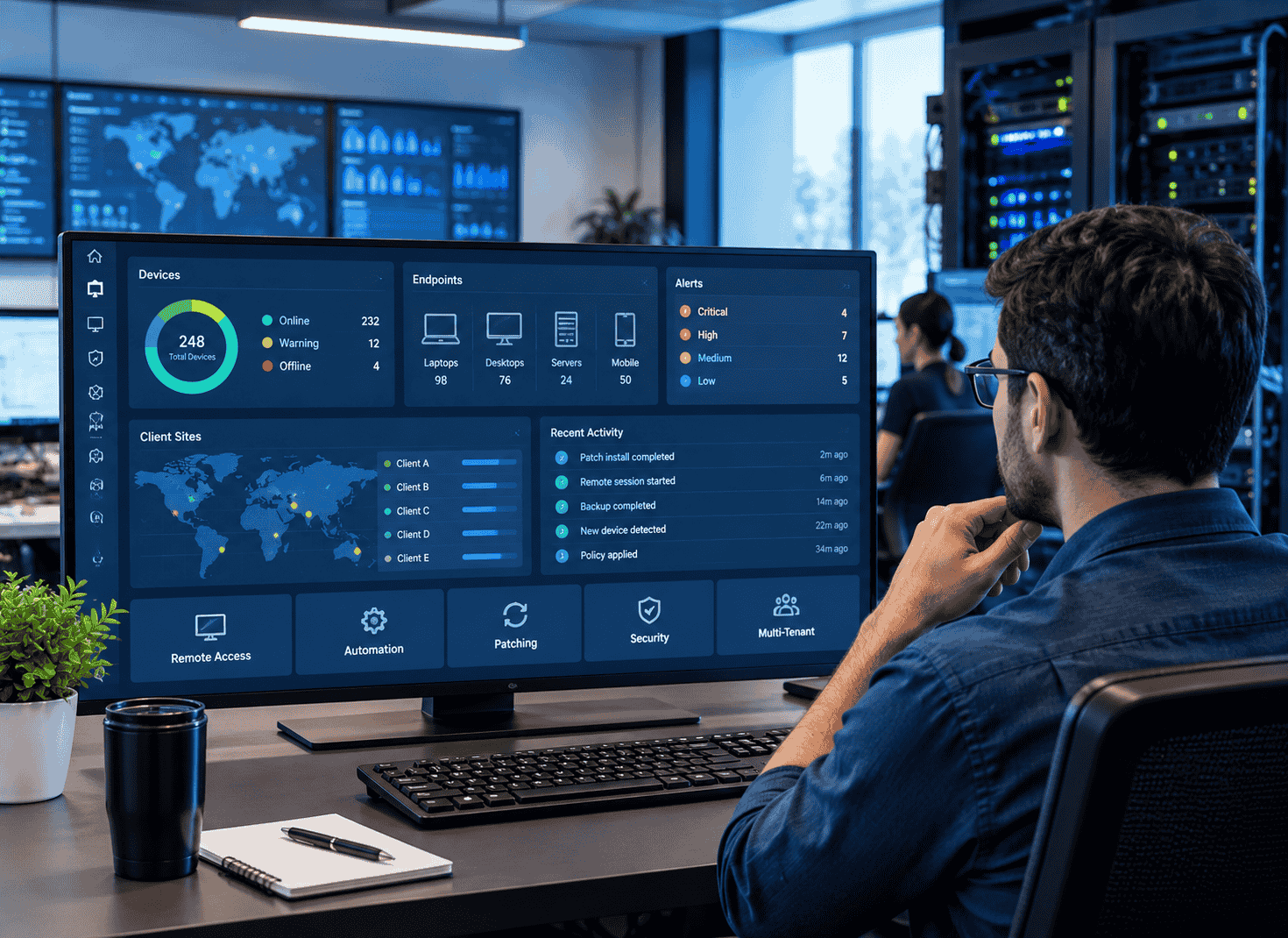
The core function of RMM software is monitoring, and the depth and breadth of what it monitors directly determines how much visibility you have into your clients’ environments. Surface-level monitoring that tracks basic availability and CPU load is a starting point, not a complete solution. The platform you choose should monitor performance metrics, event logs, hardware health, application behavior, network devices, and security indicators across Windows, Mac, and Linux endpoints without requiring separate tools to cover gaps in coverage.
As client environments become more diverse, with endpoints ranging from traditional workstations and servers to IoT devices and cloud workloads, coverage breadth becomes increasingly important. An RMM platform that handles your current client mix well but cannot grow to cover the endpoint types your clients will be running in two years creates a migration problem at exactly the wrong time.
Evaluate monitoring coverage against your actual client environments rather than a theoretical checklist. The platforms that look comprehensive on a feature comparison may have meaningful gaps in the specific endpoint types or operating system versions your clients use.
2. Automation Capabilities That Reduce Manual Technician Time
The efficiency advantage that separates high-margin MSPs from low-margin ones is largely built on automation. Routine tasks that consume technician time when performed manually, patch deployment, disk cleanup, service restarts, user onboarding and offboarding, script execution across device groups, should be automated through the RMM platform rather than handled ticket by ticket.
Evaluate the automation engine of any RMM platform with your specific workflow in mind. Can it execute scripts on schedules and in response to specific alert conditions?, Can it handle multi-step automation sequences that involve conditional logic? Can non-technical staff trigger automation workflows without writing scripts? The answers determine how much of your technician time the platform actually frees up versus how much it theoretically could if you had the development resources to build everything from scratch.
Platforms that provide a library of pre-built automation scripts and workflows alongside the ability to build custom ones accelerate time to value significantly compared to those that require you to build everything yourself before the automation benefits are realized.
3. Patch Management That Works Reliably Across Client Environments
Patch management is one of the highest-stakes functions an RMM platform performs. Unpatched endpoints are one of the most common vectors for the security incidents that damage client relationships and MSP reputations. A patch management module that works reliably across diverse client environments, handles third-party application patching alongside operating system updates, and provides clear reporting on patch status across all managed devices is not optional.
Reliability is the keyword here. A patch management system that works well under controlled conditions but fails inconsistently in production, requires frequent manual intervention, or produces inaccurate compliance reporting creates more problems than it solves. Talking to existing users of any platform you are evaluating about their real-world patch management experience, particularly in environments with older operating systems, mixed device types, or complex network configurations, gives you information that vendor demonstrations rarely surface.
What is the best RMM software for managed service providers? ConnectWise’s msp rmm software is built around the operational requirements of managed service practices at scale, with patch management, monitoring, and automation capabilities designed for the complexity of multi-client environments rather than single-organization IT departments.
4. Integration With Your PSA and Security Stack
An RMM platform that operates in isolation from the rest of your service delivery stack creates manual work at every point where data needs to move between systems. The integration between your RMM and your professional services automation platform is the most critical connection in the stack, because it determines whether alerts automatically generate tickets, whether technician time is tracked accurately against client contracts, and whether billing data flows without manual reconciliation.
Evaluate the depth of the PSA integration rather than just its existence. A native integration between platforms from the same vendor typically provides tighter data flow and fewer synchronization issues than third-party integrations maintained through APIs that can break when either platform updates. Security tool integrations, including antivirus, EDR, and backup platforms, determine how complete the picture is that your RMM presents and how much context technicians have when responding to alerts.
5. Scalability Across Growing Client Counts and Endpoint Volumes
The RMM platform that works well for fifty clients and five hundred endpoints needs to perform equally well at two hundred clients and five thousand endpoints as your practice grows. Performance degradation, alert noise that increases faster than client count, and administrative overhead that scales linearly with managed device volume are all signs that a platform was not built for the scale you are heading toward.
Ask vendors specifically how their platform performs at the scale you expect to reach in three to five years, not just at your current size. Request references from MSPs operating at that scale rather than relying on case studies that may not reflect your growth trajectory. The migration cost of switching RMM platforms after you have built automation workflows, alert configurations, and client onboarding processes on top of one that cannot scale is significant enough that getting this right initially is worth the additional evaluation time.
6. Alerting That Surfaces What Matters Without Creating Noise
Alert fatigue is one of the most common operational problems MSPs encounter with RMM platforms, and it directly affects service quality. A platform that generates hundreds of alerts per day across a managed client base, most of which require no action, trains technicians to filter aggressively, which means real issues get missed in the noise. A platform whose alerting is too conservative misses conditions that should have triggered a response before they became incidents.
The alerting architecture of an RMM platform, including the granularity of threshold configuration, the ability to suppress known-good conditions that would otherwise generate noise, and the intelligence to correlate related alerts into single actionable notifications, determines how useful the monitoring actually is in practice. Evaluating alerting quality in a real environment or through detailed conversations with existing users gives you a much more accurate picture than a demonstration environment configured to show the platform at its best.
7. Onboarding and Support Quality for New Clients
The time it takes to bring a new client fully under management in your RMM platform directly affects the profitability of new client acquisition. An onboarding process that requires significant manual configuration per client, involves complex agent deployment, or produces incomplete monitoring coverage in the initial period creates costs that erode the margin on new contracts before they are fully operational.
Evaluate the agent deployment process, the availability of onboarding templates that standardize configuration across new clients, and the quality of the documentation and support available when onboarding runs into issues. Platforms that provide dedicated onboarding support rather than relying entirely on self-service documentation accelerate time to full management coverage and reduce the technician time consumed by new client setup.
8. Reporting Capabilities That Support Client Retention and QBRs
The data your RMM platform collects about client environments is a business asset that supports client retention when presented effectively. Quarterly business reviews built around RMM reporting data that demonstrates the value of your monitoring, the patch compliance you have maintained, the incidents you have prevented or resolved, and the trend data that informs technology planning decisions give clients tangible evidence of what they are paying for.
Evaluate whether the reporting capabilities of any platform you are considering produce client-ready output that supports these conversations or whether they produce technical reports that require significant translation before they are useful in a client-facing context. Customizable report templates, executive summary formats, and the ability to schedule automated report delivery reduce the administrative overhead of client reporting while improving the quality and consistency of the output.