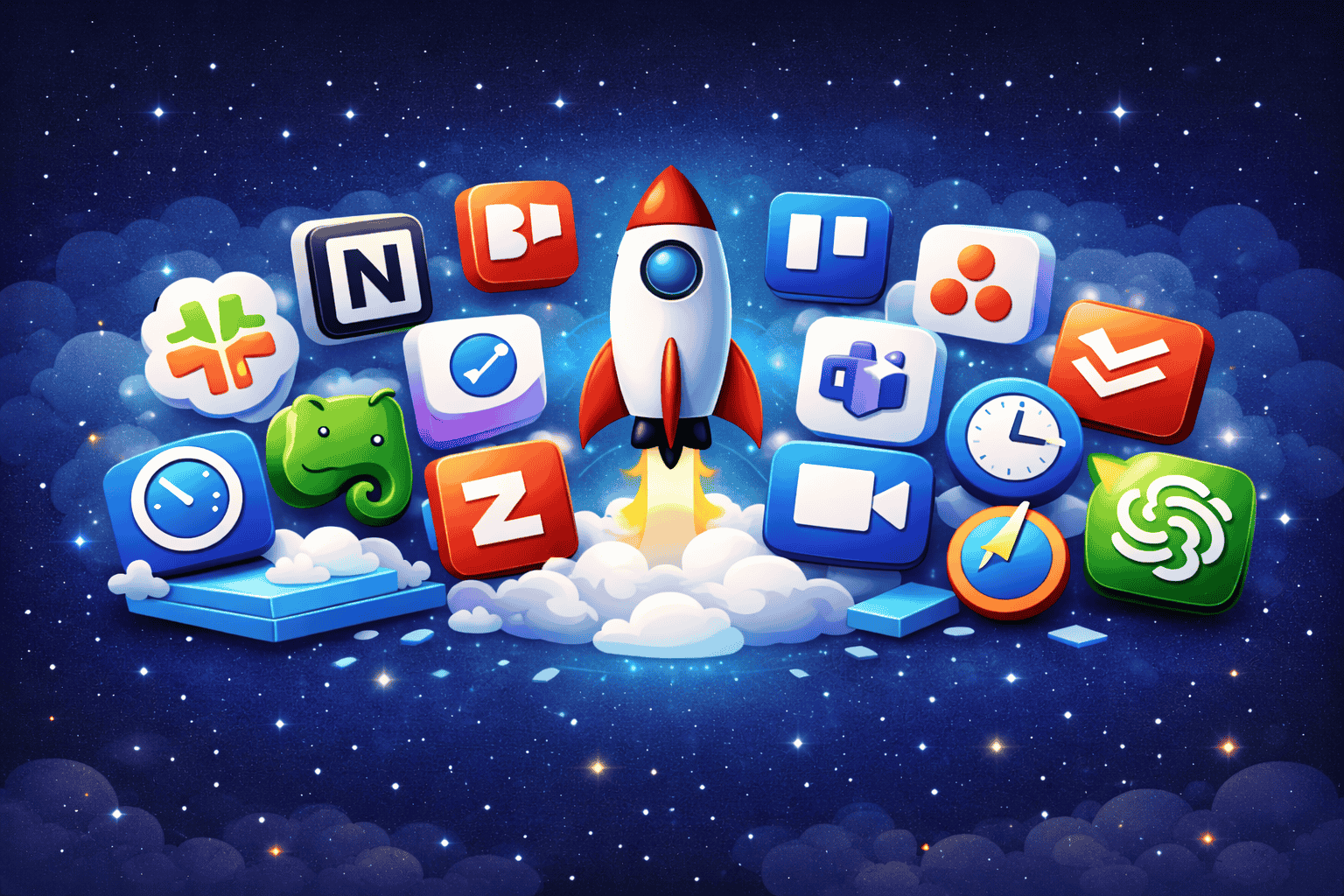
Productivity is no longer about working long hours. In 2026, it’s about working smarter, leveraging the right systems, automation, and collaboration platforms to maximize output without burning out. While the right productivity tools can dramatically improve focus, organization, and execution.
In this guide, you’ll discover 15 of the best productivity tools which are carefully selected to help you manage tasks, automate workflows, collaborate efficiently, and eliminate distractions.
Let’s get into it.
1. Notion – The All-in-One Workspace
If you want one tool that replaces multiple apps, Notion is hard to beat.
It combines:
- Note-taking
- Task management
- Databases
- Team collaboration
- Project tracking
Notion allows you to build custom dashboards tailored to your workflow. Whether you’re managing a content calendar, startup roadmap, or personal goals, it adapts to your system.
Best for: Entrepreneurs, startups, knowledge workers
Why it stands out: Extreme flexibility
2. Trello – Visual Task Management Made Simple
Trello uses a Kanban board system that makes task tracking incredibly intuitive. You create boards, lists, and cards to manage projects visually.
It’s perfect for:
- Small teams
- Freelancers
- Content planning
- Workflow tracking
Best for: Visual thinkers
Why it stands out: Simplicity and ease of use
3. Asana – Advanced Project Tracking
Asana is ideal for structured project management. It offers timeline views, workload tracking, and automation features that help teams stay accountable.
If Trello feels too basic, Asana gives you more depth.
Best for: Growing teams
Why it stands out: Powerful workflow automation
4. ClickUp – One App to Replace Them All
ClickUp markets itself as the “one app to replace them all.” It combines tasks, docs, goals, chat, and time tracking into a single ecosystem.
It’s customization features make it extremely powerful but there’s a learning curve.
Best for: Agencies and scaling companies
Why it stands out: High-level customization
5. Todoist – Clean & Minimal Task Manager
Todoist is one of the best productivity tools for individuals who want something simple yet powerful.
Features include:
- Recurring tasks
- Priority levels
- Productivity tracking
- Cross-device syncing
Best for: Personal productivity
Why it stands out: Minimal design + strong functionality
6. Microsoft OneNote – Digital Notebook for Everything
OneNote is perfect for organized note-taking. It allows you to create sections, pages, and notebooks — similar to a physical binder, but smarter and It integrates seamlessly with the Microsoft ecosystem.
Best for: Students and corporate users
Why it stands out: Structured note management
7. Evernote – Capture Ideas Anywhere
Evernote remains a strong productivity tool for idea capture, document storage, and quick organization.
It’s especially useful for:
- Research
- Web clipping
- Brainstorming
- Document scanning
Best for: Creatives and researchers
Why it stands out: Powerful search and organization
8. Slack – Team Communication Hub
Slack has become the backbone of remote team communication.
It allows:
- Organized channels
- File sharing
- App integrations
- Automated notifications
Instead of messy email chains, Slack centralizes team conversations.
Best for: Remote and hybrid teams
Why it stands out: Real-time collaboration
9. Microsoft Teams – Communication + Meetings in One
Microsoft Teams combines chat, video conferencing, and file sharing – making it a strong all-in-one collaboration tool.
It’s particularly powerful for businesses already using Microsoft 365.
Best for: Enterprises
Why it stands out: Deep Microsoft integration
10. Zoom – Reliable Virtual Meetings
Despite growing competition, Zoom remains one of the most stable and widely used video meeting platforms.
It offers:
- High-quality video calls
- Webinar features
- Breakout rooms
- Recording options
Best for: Remote meetings & webinars
Why it stands out: Reliability and global adoption
11. RescueTime – Track Where Your Time Goes
You can’t improve what you don’t measure.
RescueTime automatically tracks how you spend time on your devices. It provides insights into distractions and productivity patterns.
Best for: Individuals seeking discipline
Why it stands out: Data-driven productivity
12. Clockify – Free Time Tracking for Teams
Clockify is one of the best free productivity tools for tracking billable hours and team productivity.
It’s especially useful for:
- Freelancers
- Agencies
- Remote teams
Best for: Budget-conscious teams
Why it stands out: Free plan with strong features
13. Zapier – Automate Repetitive Tasks
Zapier connects thousands of apps and automates workflows between them.
For example:
- Save email attachments to Google Drive automatically
- Add leads to CRM from form submissions
- Post social updates automatically
Automation is a serious productivity multiplier.
Best for: Business automation
Why it stands out: Thousands of integrations
14. Google Drive – Cloud Storage & Collaboration
Google Drive remains essential for document storage and collaboration.
It includes:
- Google Docs
- Google Sheets
- Google Slides
- Real-time collaboration
Best for: Teams and individuals
Why it stands out: Seamless collaboration
15. ChatGPT – AI-Powered Productivity Assistant
AI tools are transforming productivity in 2026.
ChatGPT helps with:
- Writing emails
- Brainstorming ideas
- Coding support
- Research summaries
- Content creation
Used correctly, AI can save hours every week.
Best for: Knowledge workers & creators
Why it stands out: AI-driven assistance
How to Choose the Right Productivity Tools
The biggest mistake people make is downloading too many productivity apps and creating more complexity.
Ask yourself:
- Do I need task management or project management?
- Do I work solo or in a team?
- Am I trying to automate tasks?
- Where am I currently losing time?
Choose tools that solve a clear problem, tools that just look impressive.
Productivity in 2026: Smart Work Over Hard Work
The real advantage in 2026 isn’t working more hours but It’s building systems that reduce friction and automate repetitive work.
The best productivity tools help you:
- Eliminate distractions
- Automate workflows
- Collaborate efficiently
- Track progress clearly
- Make better decisions using data
But remember – tools don’t make you productive but Systems do.
If you use these tools intentionally, they can significantly boost your efficiency and help you achieve more in less time.
Final Thoughts
The digital world is evolving rapidly, and productivity tools are becoming smarter, more integrated, and AI-driven.
Whether you choose Notion for organization, Asana for project management, Zapier for automation, or ChatGPT for AI assistance, the key is consistent implementation.
Start with one or two tools and Master them – Build systems around them. That’s how real productivity is built in 2026.