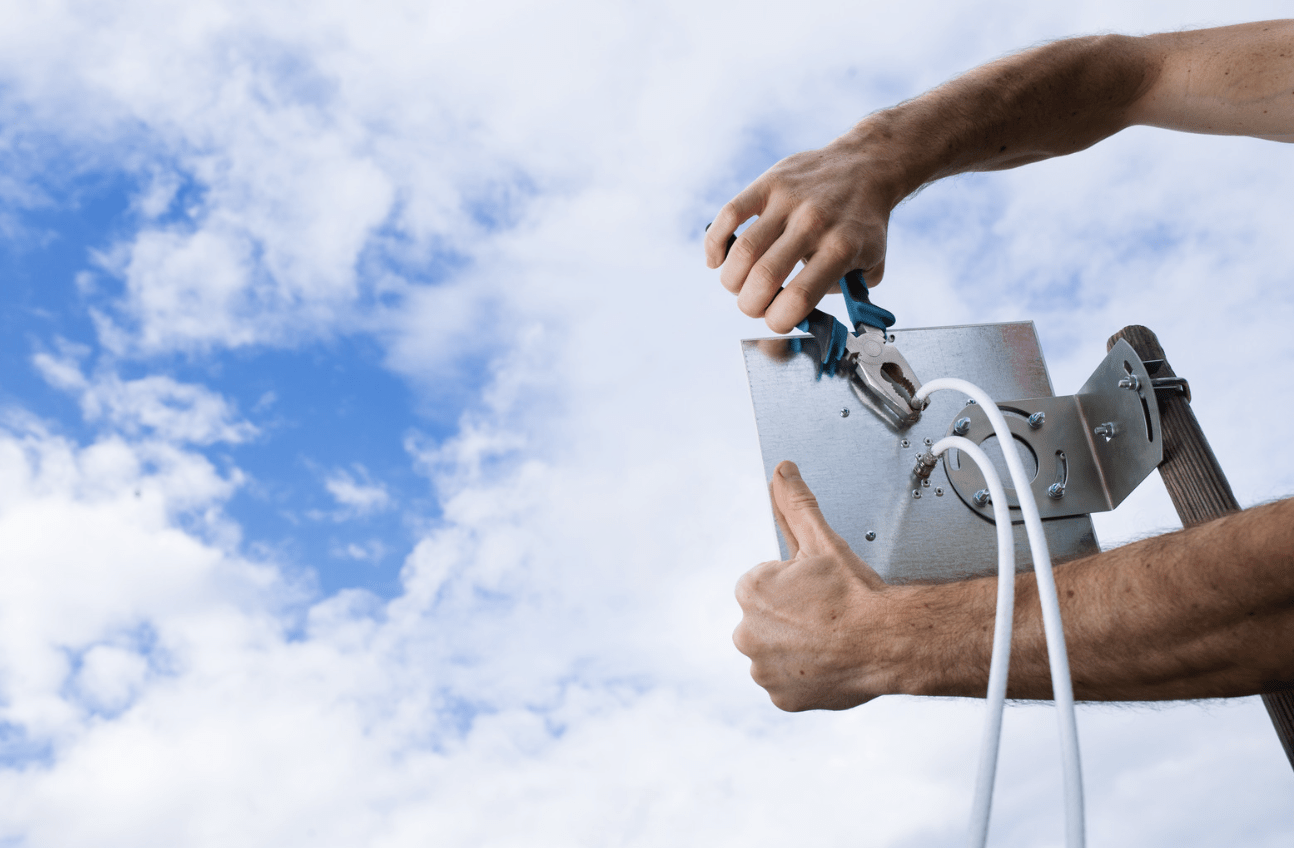
Fiber optic installation takes two to four hours for a standard home. Technicians run a fiber cable from the street to a terminal inside your home. Download and upload speeds are symmetric, meaning upload matches download, unlike cable internet. Households that switched from cable reported average speed improvements of 300 to 900 Mbps in real-world testing. The switch is worth it if you have remote workers, multiple streaming devices, or consistent buffering on your current plan.
Fiber optic installation involves running a glass strand cable from the ISP’s distribution point to a network terminal installed inside your home. That terminal connects to your router. Unlike cable, which uses coaxial copper lines shared with neighbors, fiber runs a dedicated line per customer. This is why fiber does not slow down during peak hours the way cable does.
According to the FCC’s 2023 Broadband Data Collection, fiber connections deliver speeds within 2% of their advertised rate 97% of the time. Cable connections deliver within 2% of advertised rates about 63% of the time.
Homeowners, businesses, and municipalities that need infrastructure built from conduit to terminal rely on Fiber Optic Installers who handle both the outside plant work, trenching and conduit, and the inside drop to the customer terminal.
How Does Fiber Optic Internet Actually Work?
Fiber uses pulses of light through glass strands to transmit data. Data travels at roughly 70% of the speed of light through fiber, compared to around 64% through copper. The glass strand is thinner than a human hair. Thousands of these strands run bundled inside protective cable.
The reason this matters to a homeowner: light signals do not degrade from interference the way electrical signals do.
Neighboring equipment, electrical lines, and distance from the node all degrade cable internet. Fiber is immune to most of those degradation sources.
What Happens Step by Step During Installation?
Step 1: Outside Drop Installation
A technician runs fiber from the utility pole or underground conduit to the side of your home. For underground fiber, this involves directional boring or trenching, typically 12 to 18 inches deep. Above-ground runs attach to the exterior wall.
Step 2: Entry Point and Optical Network Terminal
The cable enters the home at a drilled penetration, sealed after installation. The Optical Network Terminal (ONT) is the small box mounted inside, usually in a utility area. This converts optical signals into Ethernet signals that the router reads.
Step 3: Router Setup and Speed Test
The technician connects your router to the ONT and runs a speed test. On gigabit fiber, this test should read 940 to 980 Mbps down and 940 to 980 Mbps up. If it reads significantly lower, something is misconfigured.
Total time from start to verified completion: two to four hours for a standard residential installation. Commercial or multi-unit installations take longer based on building complexity.
What Do Real Users Say About the Switch?
Reddit threads on r/HomeNetworking and ISP-specific communities consistently show a pattern after fiber installation: the most reported improvement is upload speed. Cable plans typically offer 10 to 30 Mbps upload on a 300 Mbps download plan. Fiber 1 Gbps plans deliver 940 Mbps upload.
One user on r/Comcast documented their switch: “I went from 400/15 to 940/940. Video calls stopped dropping, my home NAS backup that took 6 hours now takes 20 minutes.”
The people who notice the difference most are: remote workers on Zoom or Teams, households with three or more simultaneous streaming devices, gamers who rely on low ping, and anyone running cloud backups or syncing large files regularly.
Is Fiber Faster Than 5G Home Internet?
Both can deliver high speeds. The difference is consistency. 5G home internet uses radio frequency signals that vary based on tower distance, weather, and local congestion. Fiber uses a physical dedicated line.
In urban areas, 5G home can compete with fiber on speed. In fringe coverage areas, performance drops significantly. A 2023 analysis by Ookla found that fiber median download speeds were 201 Mbps versus 169 Mbps for 5G home internet, with fiber showing significantly lower latency variation.
For a household that works, streams, and games simultaneously, fiber is the more reliable choice.
What Does Fiber Optic Installation Cost?
For residential customers, ISPs typically provide free installation as part of a service contract. You pay the monthly service fee, which runs $40 to $80 for 1 Gbps, depending on the provider and market.
For commercial or municipal fiber infrastructure where there is no ISP involvement, costs run:
| Scope | Cost Range |
| Aerial fiber (per mile) | $6,000 to $10,000 |
| Underground conduit and fiber (per mile) | $25,000 to $70,000 |
| Inside plant cabling (per drop) | $500 to $2,000 |
| Fiber splicing (per splice point) | $50 to $150 |
Who Should Not Switch to Fiber Yet?
Fiber is not available everywhere. As of 2024, the FCC reports that 43% of rural Americans still lack access to fiber infrastructure. If your address is not in a fiber serviceable area, you cannot get it regardless of interest. Check your ISP’s address tool before planning around fiber availability.
If your home runs an older router from 2015 or earlier, the router may bottleneck speeds even with a gigabit connection. A fiber installation that tests at 940 Mbps at the ONT but 200 Mbps on your devices usually means the router is the limiting factor, not the fiber.
Key Takeaways
- Fiber delivers speeds within 2% of advertised rates 97% of the time; cable achieves this 63% of the time, per FCC data
- The biggest real-world improvement most users notice after switching is upload speed, which goes from 10 to 30 Mbps on cable to 940 Mbps on gigabit fiber
- Installation takes two to four hours for a standard home, including the outside drop, ONT installation, and speed verification
- Fiber uses dedicated lines per customer; cable shares bandwidth with neighbors, which is why fiber does not slow during peak hours
- 5G home internet competes on download speed but shows higher latency variation than fiber, making fiber preferable for remote work and gaming
- Rural areas remain significantly underserved: 43% of rural Americans still lack fiber access as of 2024
Fiber is not just a speed upgrade. It is a reliability upgrade. If your current internet causes frustration on busy evenings or during work calls, the switch addresses the root cause rather than the symptoms.