When I worked for the company I am describing in my other post (above), it took me 40 minutes to figure out how to reassign user permissions. I found it on page 147 of a 200+ page PDF, in the section Administrative Preferences. That was very, very frustrating to me, because I knew that someone had gone to a lot of trouble to write a very complete manual. And, in the end, it was completely useless.
This was a really useful lesson for me, because it gets at the heart of the question that documentation teams grapple with: what is effective documentation, anyway?
Start with the reader, not the software
The majority of documentation teams follow a process similar to the following: Open up the software. Click through to different features. Document step by step. The end result is a very thorough manual. However, the manual will be very useless to users who think in terms of goals. The steps to export a report are different from the steps to give another user permission to access a project. However, the end result is the same: to solve a problem with the software. Users do not care about the features of the software. They care about the goals that they can achieve with the software. The manual needs to mirror the user’s mental model for the software. A manual organized around the software architecture is like a cookbook organized by cooking temperature. It is technically logical, but it is not very practical.
When documenting software most documentation teams start off with the software in front of them. They click through from feature to feature, from tab to tab, documenting as they go. The end result is a massive amount of documentation but it is organized in a way that is completely backwards to how a user would organize their thoughts about using the software. Documentation teams organize their documentation by software architecture. The result is a manual organized by software architecture, like a cookbook organized by cooking temperature. Such a manual is technically organized in a very logical fashion but is impractical.
Plan to document how a user will perform their 10 main tasks for the first week of using your software. After these main tasks are documented, you can then go back and document the rest of the secondary information.
Structure that earns its keep
Good structure of documentation is more than just aesthetics. It can mean the difference between a user having to read a couple of sentences in order to figure out how to complete a task within 30 seconds and becoming frustrated enough to put the manual down and contact support. Yes, this does happen. It is very frustrating.
Some Practical Choices for Documentation Structure
- Meaningful headings that describe actions, not just topics. “How to set up two-factor authentication” beats “Security settings” every single time.
- A real index (or robust search in digital docs). Don’t make your reader guess your vocabulary. They’ll search “delete,” you’ll have written “remove.” Cover both.
- Consistent depth. If you go step-by-step for one process, go step-by-step for comparable ones. Switching formats mid-manual is quietly disorienting in a way readers feel but can rarely name.
- Short paragraphs with breathing room. Dense walls of text work fine in novels. In technical documentation, they drag — readers skim past the exact sentence they needed.
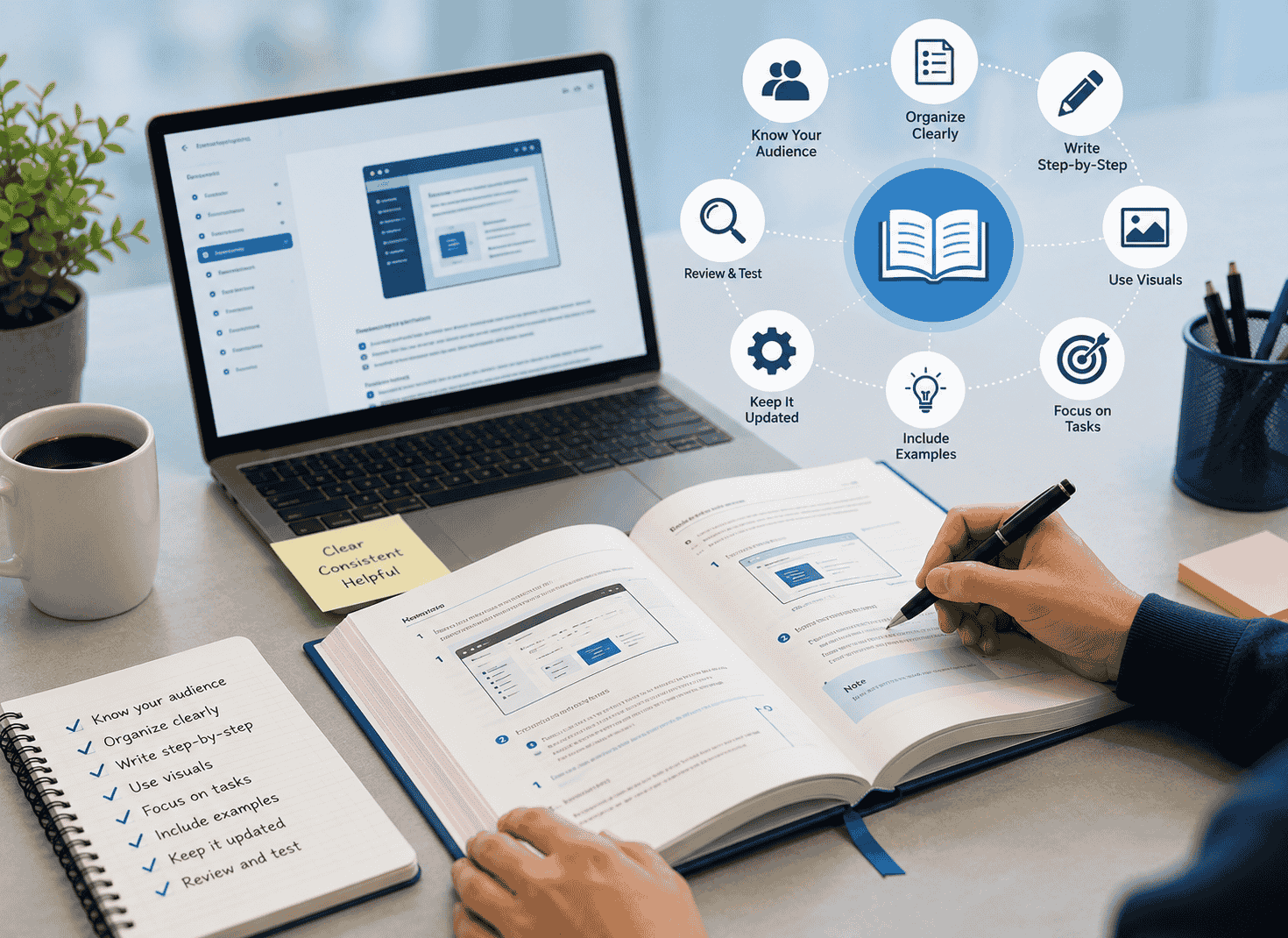
The software manual best practices authors are correct to keep coming back to the information architecture as the first step in creating a useable manual. The information architecture of a manual is the way in which the material in the manual is organized to support the users’ goals. It is the structure of the manual, and if that is wrong, then no matter how beautiful and well-written the individual chapters are, the manual will not be of use to the readers.
A quick comparison: passive vs. active instruction style
| Passive / unclear | Active / direct |
| The report can be exported by navigating to File. | Go to File, then select Export Report. |
| Settings may need to be configured before use. | Before you start, configure your notification settings under Account. |
| Users should ensure their permissions allow this action. | You’ll need Admin access to complete this step. |
| An error message could potentially appear. | If you see a “403” error, contact your system administrator. |
There is an obvious difference between the two examples given above to show a comparison of a passive and active style of giving instructions to write a manual. However, making such comparisons is a lot easier than writing a first draft of a manual, and then having that work reviewed. As the writer, you are under a lot of pressure to complete your work on time and get it out to the public. In the review process, the writer’s work is scrutinized as closely as the reviewer’s suggested changes are scrutinized. It is therefore very important to have a separate review for the voice and for clarity of the manual’s content, and to keep that separate from the accuracy review.
Language: plain, precise, and occasionally human
Most technical writing reads terribly. It is very rare for a manual to read as if it were written by someone who learned to write English by reading literature. Most technical writing reads as if it were written by someone who learned to write English by reading legal contracts. (Legal contracts are written in a ‘safe’ style that offends no one, but which no one reads either. The same is true for much technical writing. It is written in a ‘safe’ style and no one reads it.
Also, when writing, you should aim to have your manual read as if you were sitting down to help the user with their task. The writing should sound natural and intelligent. The readers will know if you are writing down a script that you have to follow, and that will make them distrust what you have to say. They want to read about their task in plain language, not to have to decipher a strange and obscure document. Writing in plain language does not mean dumbing down; it means writing in a style that is respectful to the reader’s intelligence and time.
Writing in plain language means using second person and active voice. So instead of “The user may navigate to the aforementioned configuration panel. In the dialog box that opens, click in the box next to Enable advanced logging for this user,” the manual would read: “Navigate to the configuration panel (see above). In the dialog box that opens, click in the box next to Enable advanced logging for this user.” The latter sentence is doing a real service to the user, helping them to complete a task.
Accuracy is still important so please don’t mistake brevity for inaccuracy. In the example above, the step to save a report would indicate the required permission and mode in step 1 so that the reader knows before they try the step and fail and then have to read the footnotes for that feature.
Another misapprehension is that writing good documentation is a task that can be completed in a short amount of time and then put on the back-burner. Plain language and technical precision are two competing goals, and finding the right balance can be time-consuming, thus often being given short shrift in writing documentation.
Treat the manual like a living document
If you release software frequently (like cloud applications) then your manual will require update too. This need not be as hard as initially writing the manual. Release the updated documentation in due time as opposed to initially correct documentation which is never correct subsequently. Continue exploring business leadership resources for long-term success.
As software evolves so too should documentation. In order to keep up with software in full growth, documentation must be updated in tandem with every release of the software. It is best to put updates to documentation through the same release cycle as updates to software. This will help to ensure the highest quality of documentation possible. Also, going through several revisions before declaring a manual ‘done’ will be beneficial as well. It is also wise to make sure that documentation is versioned, and that old documentation is archived rather than deleted. If old sections of documentation were to be deleted, users that are running older versions of the software will have no place to turn for the most accurate documentation for that release.
As mentioned above, it’s not going to get easier but if you establish good documentation habits early on, then it won’t consume as much of your time and the time of your users as it will for other users of your software. For instance, users of software with really good documentation will only get stuck on a particular page (say page 147) for a short amount of time and then they’ll go on to complete whatever task it was that they were attempting to complete.