Video content is continuously dominating the digital world, From YouTube and social media platforms to marketing campaigns and online courses, high-quality videos help capturing attention and delivering value. However, recording good footage is only part of the process. The real magic happens during editing.
Great editing transforms raw clips into engaging and professional content that keeps viewers watching. If you want your videos to stand out in 2026 and beyond, you need to learn modern editing techniques, smart storytelling, and a workflow that maximizes both quality and efficiency.
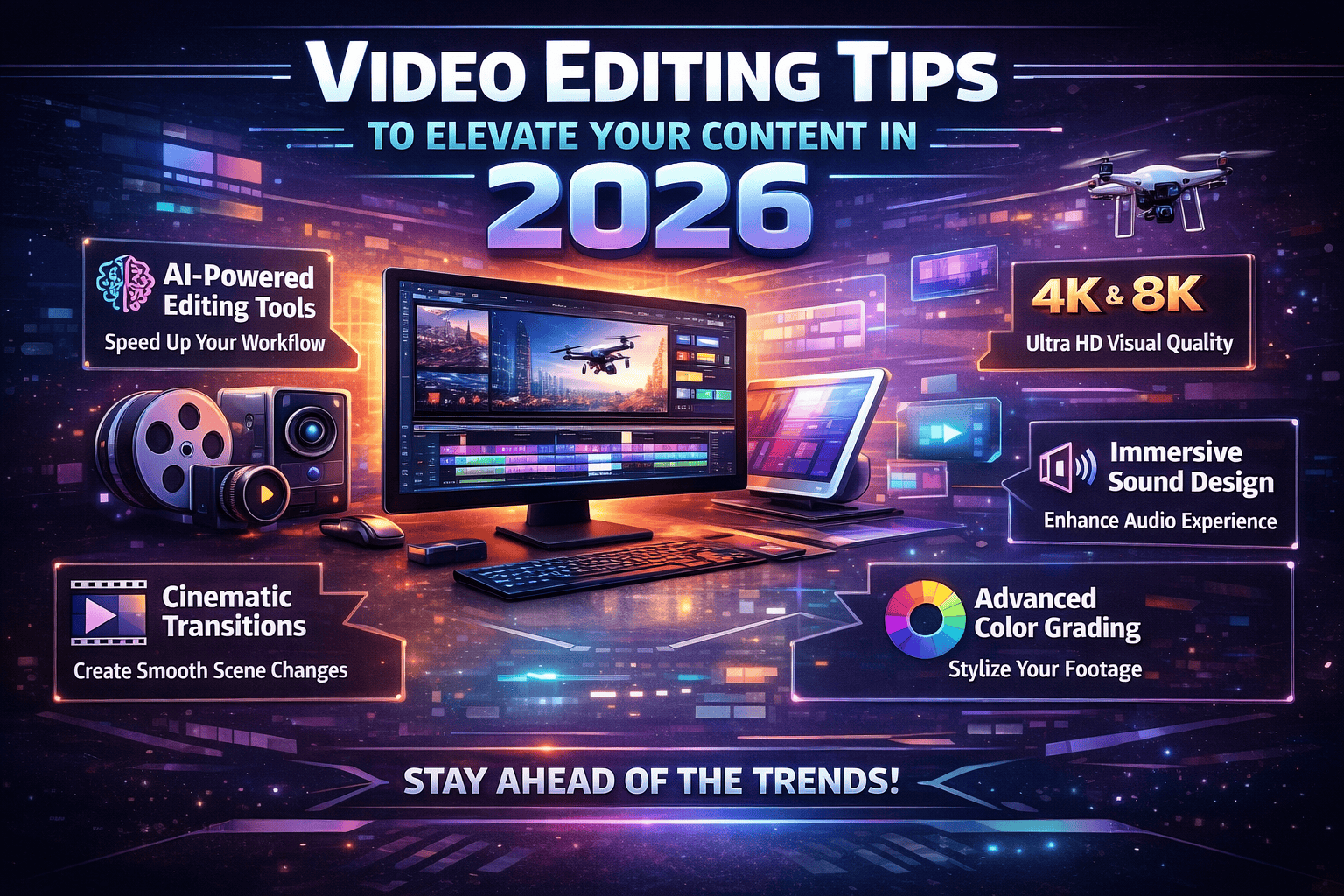
This guide explores the best video editing tips to elevate your content in 2026, helping you create polished, engaging, and professional videos that attract viewers and keep them engaged.
Understand the Purpose of Your Video Before Editing
Before you start editing, identify the goal of your video. Every editing decision from pacing to music should support that objective.
Ask yourself a few key questions:
- Is the video meant to educate, entertain, or promote?
- Who is the target audience?
- Where will the video be published (YouTube, social media, website, or ads)?
When you clearly define the purpose, your editing becomes more focused. For example, social media videos require faster pacing, while educational content benefits from clearer explanations and smoother transitions.
Planning the editing direction beforehand prevents unnecessary revisions and results in a more cohesive final product.
Start With a Strong Story Structure
Even short videos need a clear narrative structure. Professional editors often follow a simple three-part format:
- Hook – Capture attention in the first few seconds
- Main content – Deliver the value or message
- Conclusion – Reinforce the takeaway or call to action
In 2026, viewers have shorter attention spans than ever. If your video fails to engage within the first few seconds, many viewers will leave.
To improve engagement:
- Open with an intriguing visual or statement
- Remove unnecessary introductions
- Deliver value early in the video
A strong structure keeps your audience interested and improves watch time, which is critical for video platform algorithms.
Cut Aggressively to Remove Unnecessary Footage
One of the most important video editing skills is knowing what to remove.
Many beginner editors leave pauses, mistakes, or repetitive content in their videos. Professional editors, on the other hand, cut aggressively to maintain momentum.
When reviewing your footage:
- Remove long pauses and filler words
- Eliminate repetitive clips
- Keep only the most valuable moments
Tight editing creates a faster pace and keeps viewers engaged throughout the video.
Focus on Clean and Professional Transitions
Transitions can improve flow, but overusing them often makes videos look amateurish.
In 2026, modern editing trends favor minimal and clean transitions.
The most effective transitions include:
- Straight cuts for natural flow
- Fade transitions for scene changes
- Simple cross dissolves for smoother storytelling
Avoid excessive visual effects unless they serve a clear purpose. Subtlety often creates a more professional look.
Use Color Correction and Color Grading
Color plays a huge role in how viewers perceive your video quality.
Color correction ensures that footage looks natural and consistent, while color grading enhances the visual style.
Basic color editing steps include:
- Adjusting brightness and contrast
- Balancing white tones
- Enhancing saturation slightly
- Matching colors between clips
In 2026, cinematic color grading continues to trend, especially for YouTube creators and professional content producers. A consistent color style gives your videos a recognizable and polished look.
Improve Audio Quality During Editing
Many viewers will tolerate imperfect visuals, but poor audio quality quickly drives audiences away.
During editing, you should always optimize audio by:
- Removing background noise
- Adjusting volume levels
- Adding subtle background music
- Balancing dialogue and music tracks
Use audio transitions such as fades to ensure smooth sound changes between clips. Clear, balanced audio dramatically improves the overall viewing experience.
Add Engaging Text and Subtitles
Text overlays and subtitles have become essential for modern video content.
Many viewers watch videos on mobile devices with the sound muted, especially on social media platforms. Adding captions ensures your message remains clear even without audio.
Effective text usage includes:
- Highlighting important points
- Adding subtitles for dialogue
- Displaying key statistics or quotes
Keep fonts simple, readable, and consistent with your brand identity.
Use B-Roll Footage to Enhance Storytelling
B-roll footage adds visual interest and prevents your video from becoming monotonous.
B-roll includes supplementary clips that support the main footage. Examples include:
- Demonstrations
- Close-up shots
- Screen recordings
- Environmental shots
These clips help illustrate your message while making the video visually dynamic. Professional editors rely heavily on B-roll to keep viewers engaged.
Optimize Videos for Different Platforms
In 2026, content creators often publish videos across multiple platforms such as YouTube, Instagram, TikTok, and websites.
Each platform favors different formats and styles.
For example:
- YouTube: Longer videos with detailed storytelling
- Instagram Reels / TikTok: Vertical videos with fast pacing
- Websites: Informational or promotional content
During editing, consider adjusting:
- Aspect ratio (16:9, 9:16, or square)
- Video length
- Caption style
- Thumbnail design
Platform optimization increases visibility and improves audience engagement.
Use Modern Editing Tools and AI Features
Video editing software continues to evolve rapidly. Many modern tools now include AI-powered editing features that simplify complex tasks.
Common AI editing capabilities include:
- Automatic caption generation
- Scene detection and smart cuts
- Background noise removal
- Automatic color correction
These features significantly speed up editing workflows while maintaining professional results.
However, AI should assist your creativity—not replace it. Your storytelling and editing decisions still determine the final quality.
Maintain Consistent Branding in Your Videos
Consistent branding strengthens recognition and professionalism.
Your videos should maintain a consistent style through:
- Fonts
- Colors
- Intro and outro sequences
- Logo placement
- Music style
When viewers recognize your visual identity, they are more likely to remember your content and return for future videos.
Consistency is especially important for creators building a brand on platforms like YouTube or social media.
Export Videos With the Right Settings
The final export stage can greatly impact video quality.
Use optimized settings to maintain clarity while keeping file sizes manageable.
Recommended export practices include:
- Using high-resolution formats such as 1080p or 4K
- Choosing efficient compression formats like H.264 or H.265
- Maintaining proper frame rates (24fps, 30fps, or 60fps depending on content)
Proper export settings ensure your videos remain sharp and professional across all devices and platforms.
Keep Learning and Following Editing Trends
Video editing evolves continuously as new tools, styles, and audience preferences emerge.
To stay competitive in 2026 and beyond:
- Watch professional editors’ work
- Follow editing tutorials
- Experiment with new techniques
- Analyze high-performing videos
Continuous learning helps you improve your editing style and keep your content fresh.
Final Thoughts
High-quality video editing can transform simple footage into compelling visual content. By focusing on storytelling, pacing, audio quality, color correction, and platform optimization, you can significantly improve the impact of your videos.
These video editing tips to elevate your content in 2026 emphasize clarity, creativity, and efficiency. three elements that define professional video production today.
Whether you are a beginner creator, a marketer, or an experienced editor, applying these techniques will help you produce videos that engage audiences, strengthen your brand, and stand out in the increasingly competitive world of digital content.