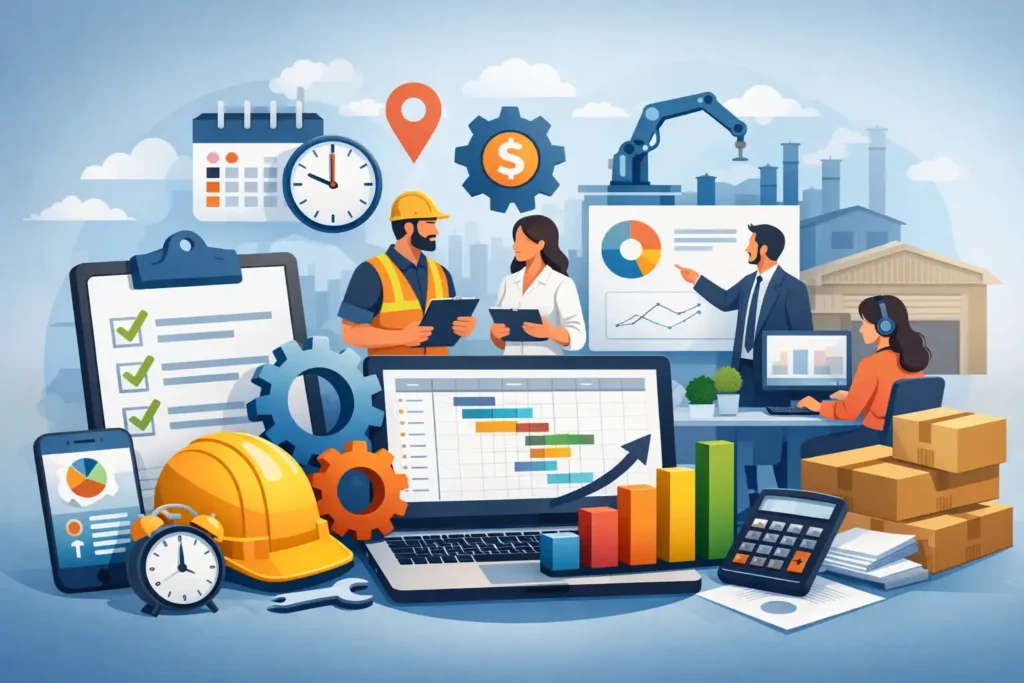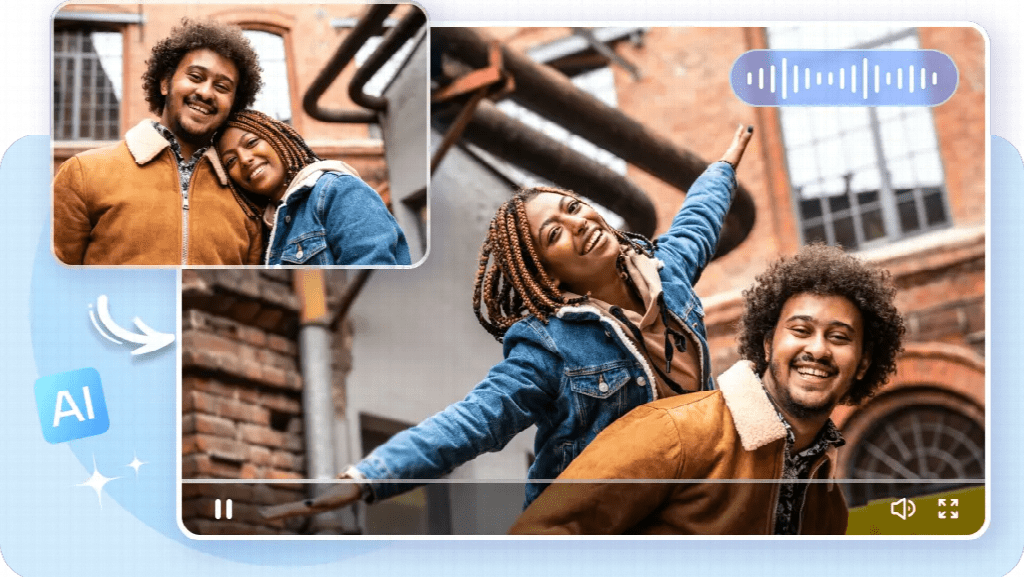
Educational videos are most effective when they make an idea easier to see, not simply when they place narration over attractive footage.
A good lesson must guide attention, organize information, and give viewers enough time to understand what is happening. Producing that kind of video can be difficult for educators who do not have a large media team.
I began exploring AI video as a way to visualize explanations before investing in a full production. My goal was not to replace subject expertise or instructional design. I wanted to reduce the time required to create examples, demonstrations, and visual drafts so that more effort could go into accuracy and clarity.
Seedance 2.0 became useful because it can combine a written description with images, video, and audio references. This means an educator can provide diagrams, example footage, a narration track, or a visual style reference instead of expecting a text prompt to communicate every requirement.
Starting With the Learning Objective
Before generating anything, I write one clear learning objective. It describes what the viewer should be able to understand or do after watching.
This prevents the video from becoming visually impressive but educationally unfocused.
I then divide the topic into small steps. A complex process may need:
- An introduction
- A demonstration
- A comparison
- A summary
Each section should answer one question and prepare the viewer for the next. This structure also makes AI generation easier because individual scenes have specific purposes.
The prompt for each scene includes the subject, action, environment, camera position, and desired pace. I avoid decorative details unless they support comprehension.
A busy background or dramatic camera movement may reduce clarity even if it makes the scene look more cinematic.
Using References to Explain More Precisely
Educational content often depends on details that should not be invented.
A reference image may define the correct equipment, object, historical style, or process stage. A demonstration clip can show the sequence of an action. Audio can establish narration timing and pronunciation.
Seedance 2.0 supports multimodal references, allowing these materials to guide one generation together.
For example:
- A science explanation might combine a diagram with a movement example.
- Workplace training could use approved images of the setting and a sample procedure.
- A language lesson could use a voice reference to establish pacing while visuals provide context.
References do not remove the need for verification. They make the intended direction clearer, but the educator must still compare the result with authoritative source material.
Keeping Characters and Objects Consistent
Consistency supports learning because viewers should not have to determine whether a changing object represents a new example or a generation error.
If the same presenter, machine, or diagram appears in several scenes, it should remain recognizable.
The identity controls in Seedance 2.0 can help maintain character appearance, clothing, products, and visual style across connected shots. This is useful for a recurring virtual presenter, a step-by-step product tutorial, or a scenario involving the same people and location.
I review each scene for continuity before adding captions or effects. I check:
- Whether tools and objects remain consistent
- Whether actions happen in the correct order
- Whether the camera shows the information the learner needs
- Whether visual changes could cause unnecessary confusion
Educational usefulness takes priority over visual novelty.
Matching Audio With Visual Information
Narration and visuals should support each other rather than compete.
If the voice explains one step while the screen already shows the next, viewers may become confused. If too much information appears at once, they may miss the main point.
Audio references and audiovisual synchronization can help establish timing earlier. I often record a rough narration before finalizing the visual sequence.
It does not need studio quality. It serves as a guide for scene length, pauses, and emphasis.
After generation, I check whether each visual appears when it is mentioned and remains visible long enough to understand. I also plan captions for viewers who watch without sound or benefit from written reinforcement.
Creating Longer Training Sequences
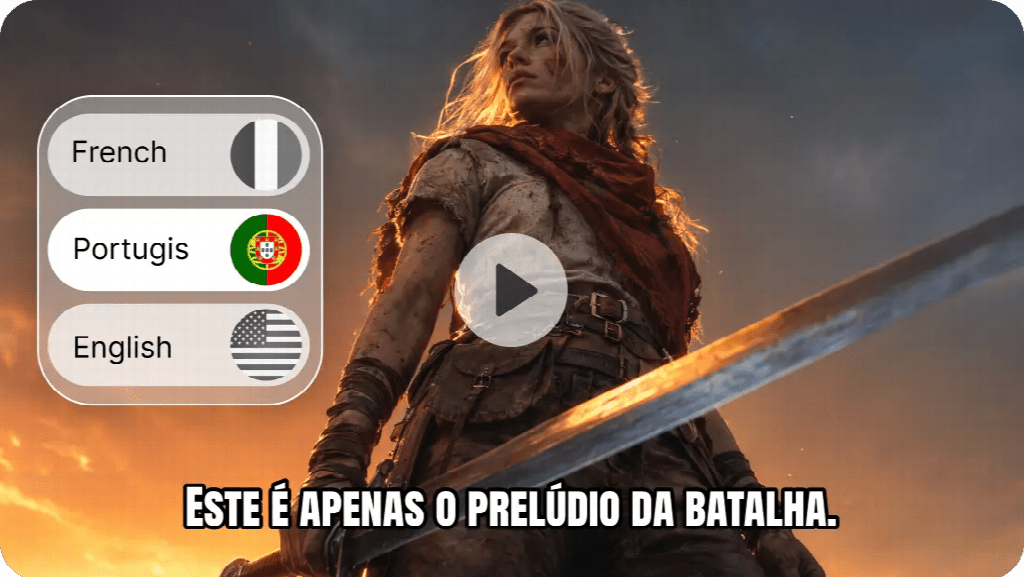
Some lessons cannot be communicated through several disconnected clips.
A safety procedure, software workflow, or physical demonstration may need a continuous sequence so that viewers can understand order and cause.
Seedance 2.5 supports longer continuous generation and up to 50 multimodal reference inputs. This makes it relevant to training projects that rely on scripts, diagrams, presenter references, example footage, audio, and style guidance.
Longer generation can provide enough time to show a complete action without cutting at an awkward moment. The larger reference set also allows an instructional team to communicate more of the approved course material within the creative brief.
However, longer is not automatically better.
A 30-second sequence should still be divided conceptually into understandable stages. Learners benefit from clear transitions, deliberate pacing, and opportunities to review important information.
Using Motion References for Demonstrations
Text descriptions are often insufficient for physical procedures.
“Lift the object safely,” for example, does not specify stance, hand position, direction, or timing. A reference performance communicates those details more effectively.
Reference-to-video control in Seedance 2.5 can use model or green-screen footage to guide motion and spatial interaction. An instructor could record a simple demonstration and use it as the movement foundation for a generated setting or presenter.
This could be helpful for training prototypes and visual planning, but it requires careful expert review. A plausible-looking movement is not necessarily safe or correct.
When physical safety, medicine, law, or another high-stakes subject is involved, generated content should never be treated as independent authority.
Correcting Details Without Rebuilding the Lesson
Educational videos frequently require small but important corrections.
A label may be wrong, an object may appear in the incorrect position, or a visual step may need clarification. Regenerating the entire sequence can change parts that were already accurate.
The local editing capabilities associated with Seedance 2.5 are useful because they aim to adjust a selected region while preserving the surrounding scene and timeline.
This can make revisions more efficient, particularly when subject-matter experts request a precise visual change late in the review process.
I still maintain a versioned script and approval checklist. The edit is not complete until the revised visual has been checked against the learning objective and source material.
Accessibility and Responsible Review
An educational video should be designed for more than one viewing condition.
Before publishing, I consider:
- Are captions available and easy to read?
- Is there sufficient visual contrast?
- Is the narration paced appropriately?
- Does any essential information depend entirely on color or sound?
- Are generated details factually accurate?
- Does the video introduce unnecessary visual complexity?
- Could any generated representation mislead viewers about who actually participated?
AI generation may provide the footage, but accessibility and responsible communication must be planned deliberately.
I also check for fabricated details, stereotypes, and misleading representations. When realistic people are generated, their representation should match the context and avoid suggesting that real individuals participated when they did not.
For educators who want to connect visual ideation, video generation, and refinement, Dreamina may be considered as a production environment, but learning design and factual approval must remain with qualified humans.
Better Visualization, Not Automatic Teaching
AI video can make educational production more accessible, particularly for small organizations and independent educators.
It can help turn diagrams into moving explanations, create visual examples, and test a lesson before expensive production begins.
Its value depends on how it is used. A clear objective, focused references, careful pacing, and expert verification matter more than the number of generated scenes.
Technology can help present knowledge, but it cannot decide what learners need or guarantee that an explanation is correct.
The best workflow combines AI speed with educational judgment. When each scene serves a learning purpose and every important detail is reviewed, generated video becomes a practical tool for making ideas more visible and easier to understand.